MS Office 2010 Professional Plus ISO Key
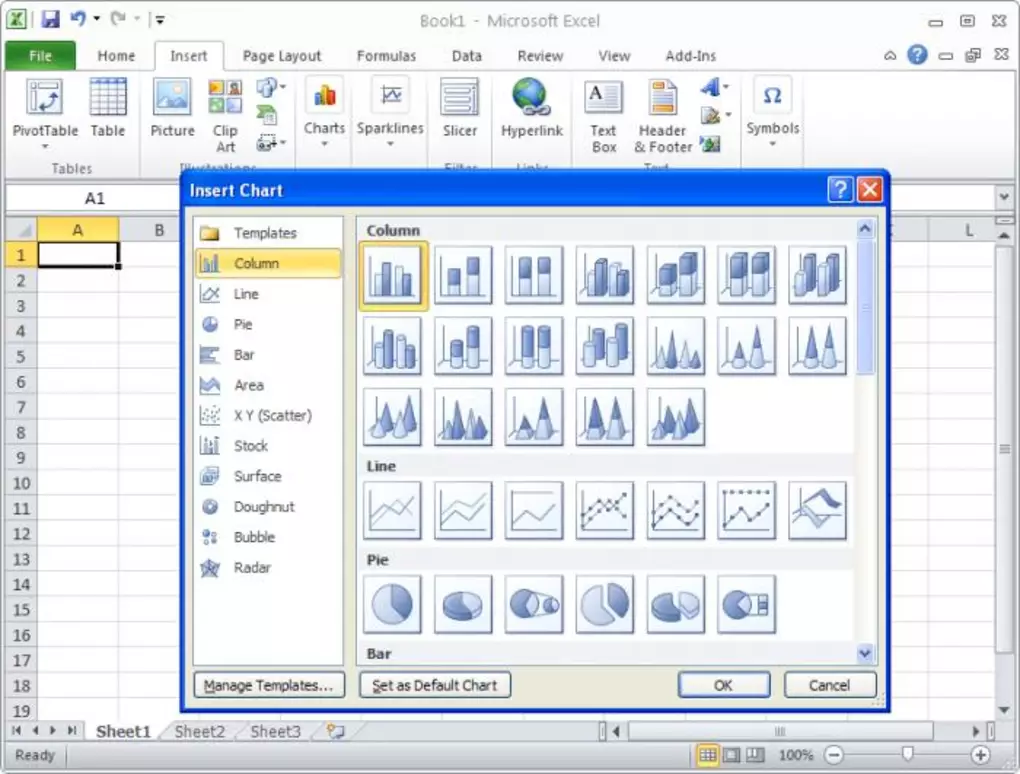
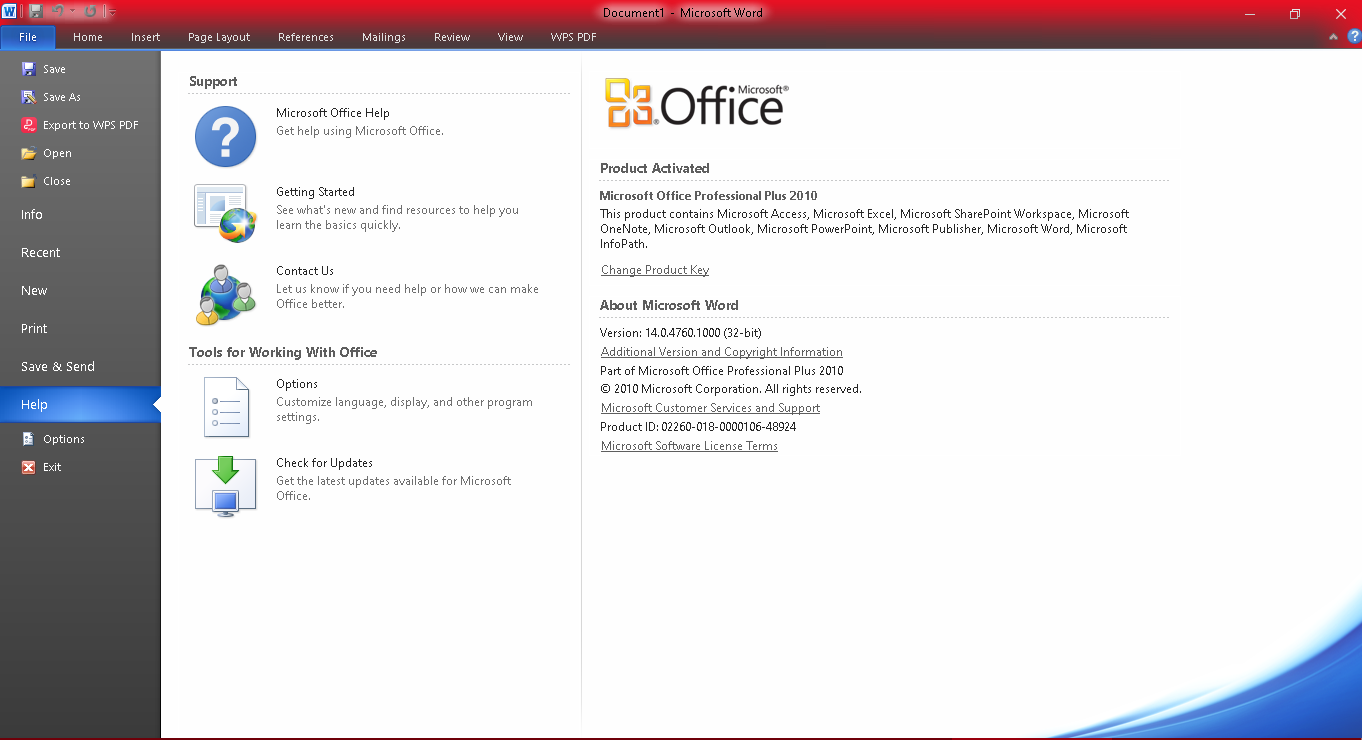
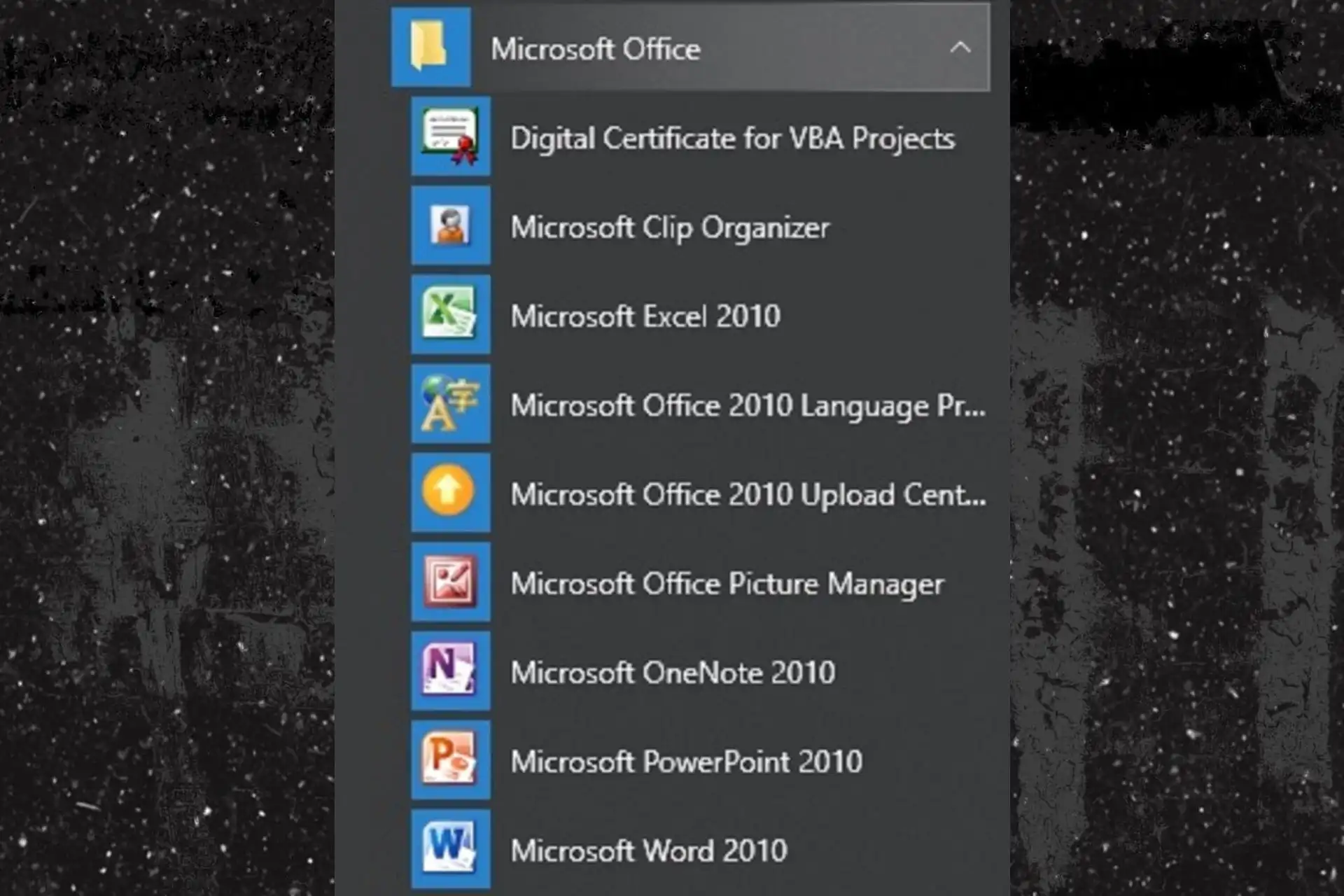
Office 2010 introduces some new features including completely new interface and toolbars: Ribbon Interface The Ribbon is formed as a panel that houses certain command buttons and icons and basically fully replaces/consolidates former menus, toolbars and task panes into one area. It organizes commands as a set of tabs, each grouping relevant commands. Each application has a different set of tabs which house the options for that specific application. Within each tab, various related options may be grouped together. As Microsoft states, the ribbon is "the modern way to help users find, understand, and use commands efficiently and directly—with a minimum number of clicks, with less need to resort to trial-and-error, and without having to refer to Help”. Backstage View Former Office (drop-down) menus have now been replaced with a new page that covers the whole application when opened. This is the Office Backstage. This new view allows you to get work done faster than you could before with the menu: previous menus couldn’t show all the available commands and sometimes hunting deep down in the menu was required to find the right option. Office Backstage changes that by putting the document in focus when the view is selected, by clicking the Office button on the top left of any Office application. Background Removal Tool Letter Styling Common Equation Editor (replacing Microsoft Equation Editor 3.0) Shared Proofing Tools (MS Office 2010 Language Preferences) Proofing Tools are now dealt with by a shared tool called MS Office 2010 Language Preferences (available under Start > All Programs > Microsoft Office > Microsoft Office 2010 Tools or directly whithin each Office application). This is used to define proofing tools and languages which will then be available in all Office applications. New SmartArt Templates New Text and Image Editing Effects Screen Capturing and Clipping Tools New Animations and Transitions in PowerPoint 2010 View Side by Side/Synchronous Scrolling in Word 2010 Tutorials and Guides Micorsoft offers interactive tutorials which focus on the new ribbon technology and show how to find commands on the new toolbar. These guides are installed as well on all new computers and can be found under Start > All Programs > Support MS Office 2010.
Câu hỏi thường gặp
Game khác bạn có thể thích
 1 / 4
1 / 4